Poolranker Pro is currently an offline app which means you don’t have to login but on the flip side we cannot store your game data online.
However, there is a build in way to share your games with you opponent.
Note: The Share Icon is only available in version 1.0.3. Currently This is not yet available for Apple but it will be soon So check your version.
- In the Matches screen, press and hold a game you want to share
- Select all the games you want to share by ticking the box in the upper left corner of the game
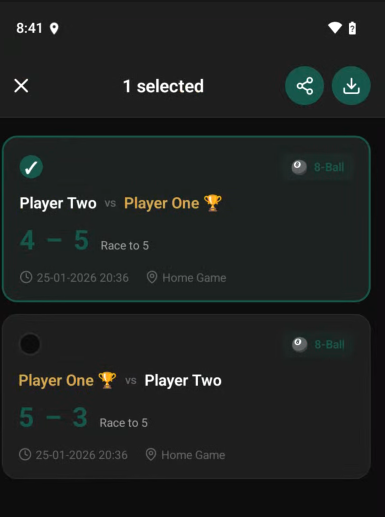
- Press the share Icon in the top bar
- A message will appear saying that a message has been copied to you clipboard. This can be used for easy entry
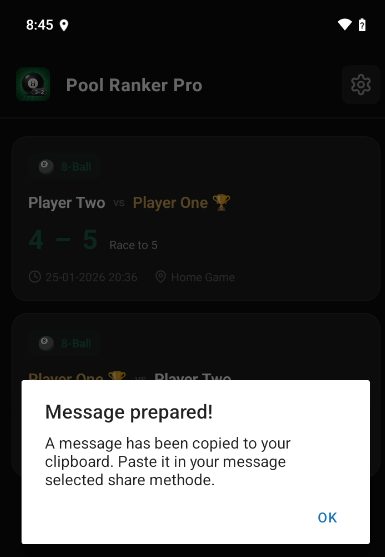
- After that your phone default sharing option will open.
- If you are nearby and have the same type of phone, the easiest way is the use quickshare (Samsung) or Airdrop (Apple) to send the export.
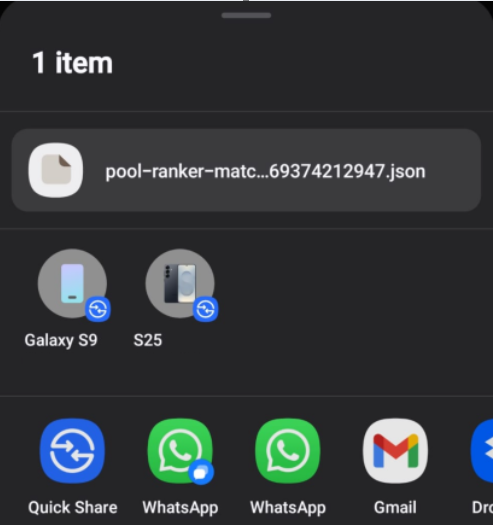
- If you are not nearby you can use email. The export will be add as attachment and you can paste the default message in the message body.
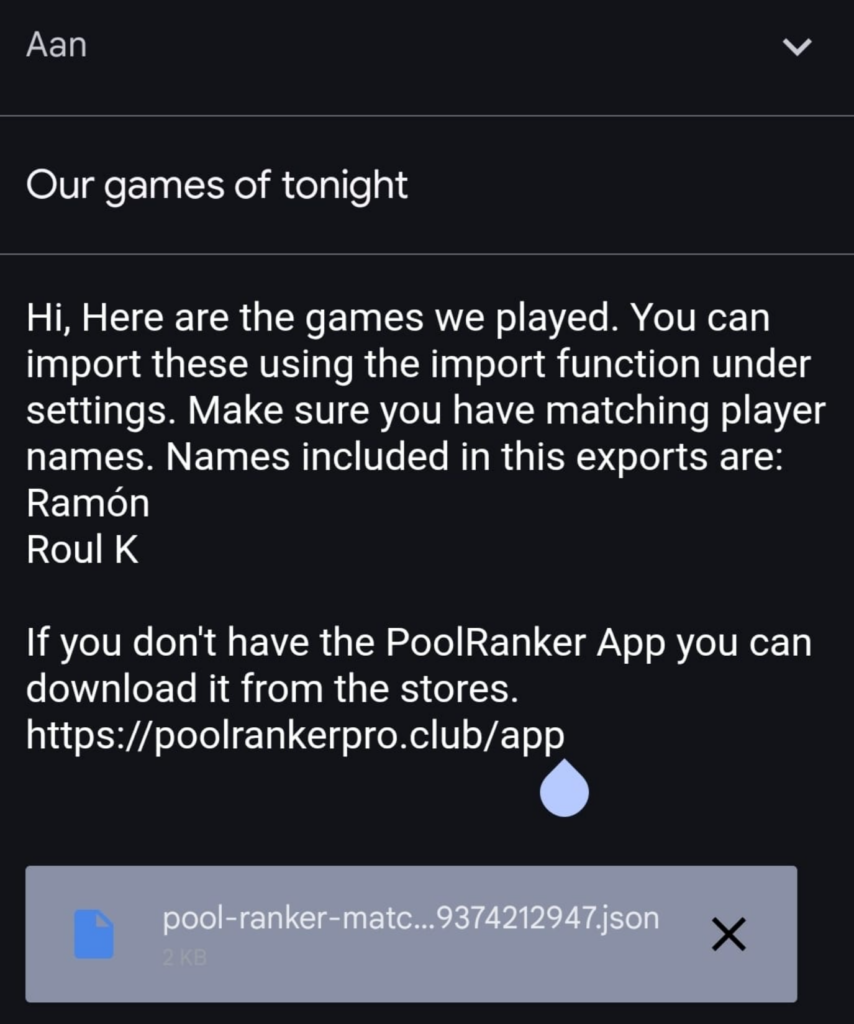
NOTE: Players names are also exported. When importing the app will find the player and link the games to that player. If the player is not found, the player is created. Only the player name is exported. Nickname, Notes, Hand, Preferred Game are not exported.
How to import:
- Store the file you recieved on your phone (if not already by quickshare / airdrop)
- On the Matches screen (Home screen) top right there is a settings icon
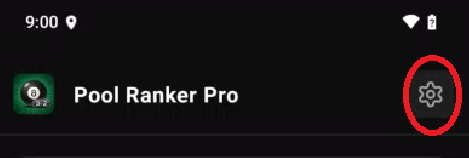
- Click this and scroll all the way down
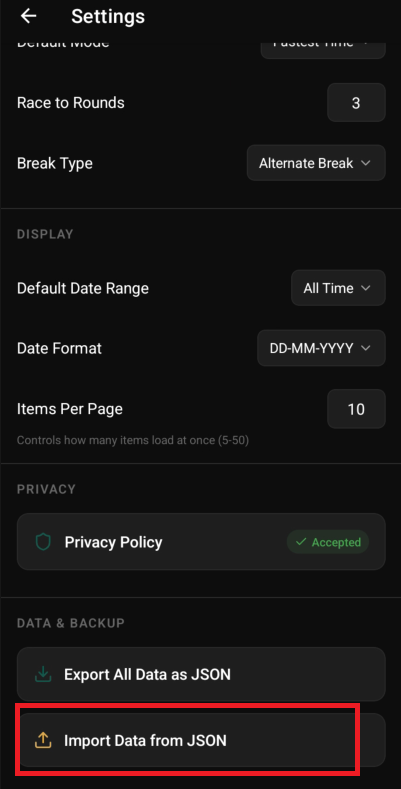
- A file dialog will appear. Go to the location you stored the file and select .json file you received. On select it will instantly be imported
Note: For backup purposes you can use the ‘Export All Data As JSON’. This will export all games.